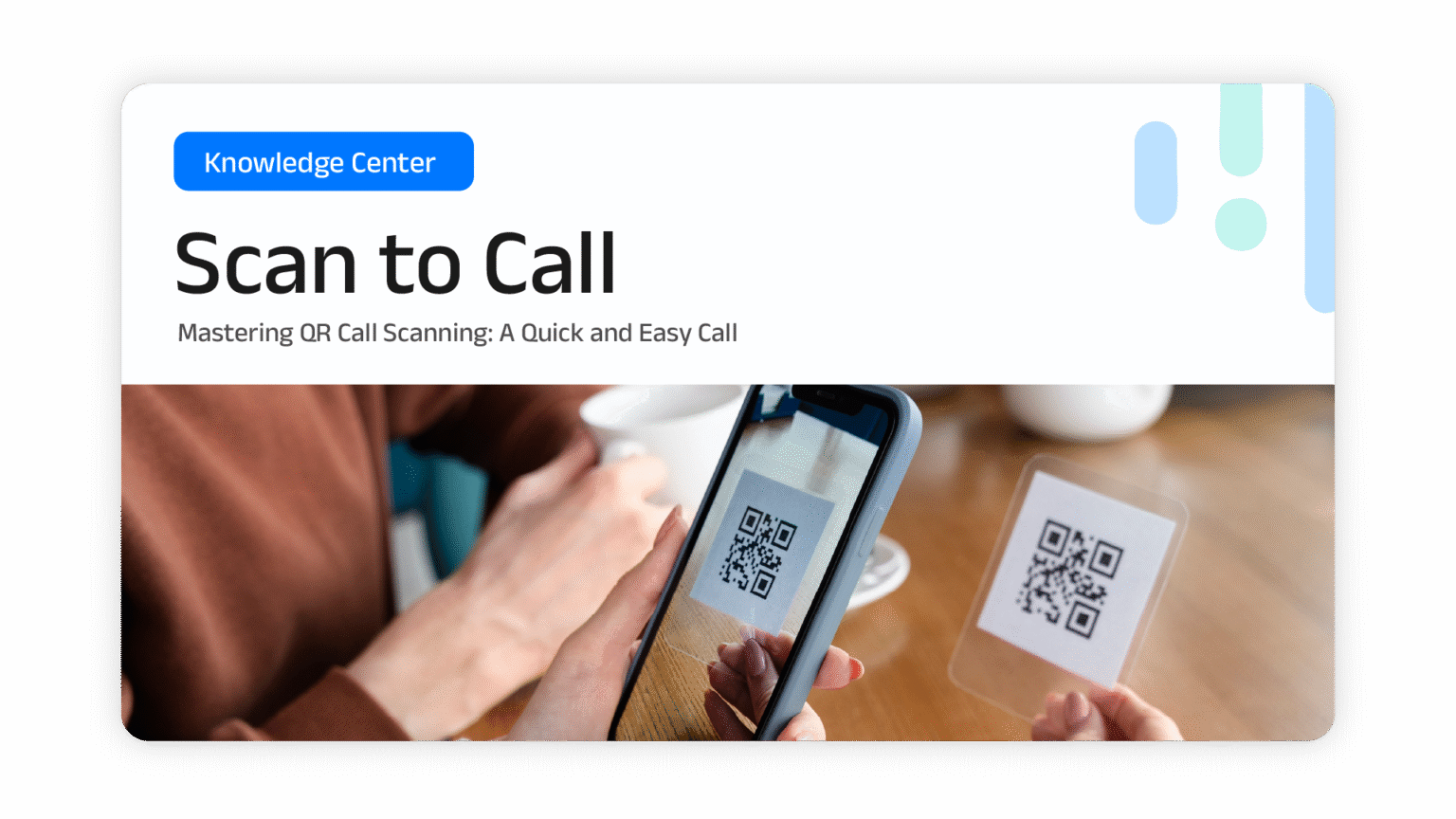
by scanning barcodes your customers can easily connect with you.
Scan to Call is a free call service where no call charges are incurred. By sharing the call barcode, which you can place at your front office, on your website, or on your social media, customers can easily connect with you.
Before customers can call you, they need to fill out a form with the necessary information. After filling out the form, customers will automatically be able to make a call and connect with you.
The need to use the form
Customers can make calls directly without filling out a form.
The need to use the without form

Prepare your smartphone that is connected to the internet
Select the QR Code
Scan the QR Code with your smartphone
The call is connected!
Want to try scan to call? Contact us here or scan here.